Skip to content
Reels Downloader
Browser extension v1.0.0

Instagram Downloader Browser Extension

Download Reels, videos, photos, Stories and carousel posts while browsing Instagram. This Manifest V3 extension runs locally and supports desktop Chrome, Microsoft Edge, Brave and other Chromium browsers.

  • Version 1.0.0
  • Manifest V3
  • Free, local-first
Chrome, Edge and Chromium Instagram Downloader Browser Extension
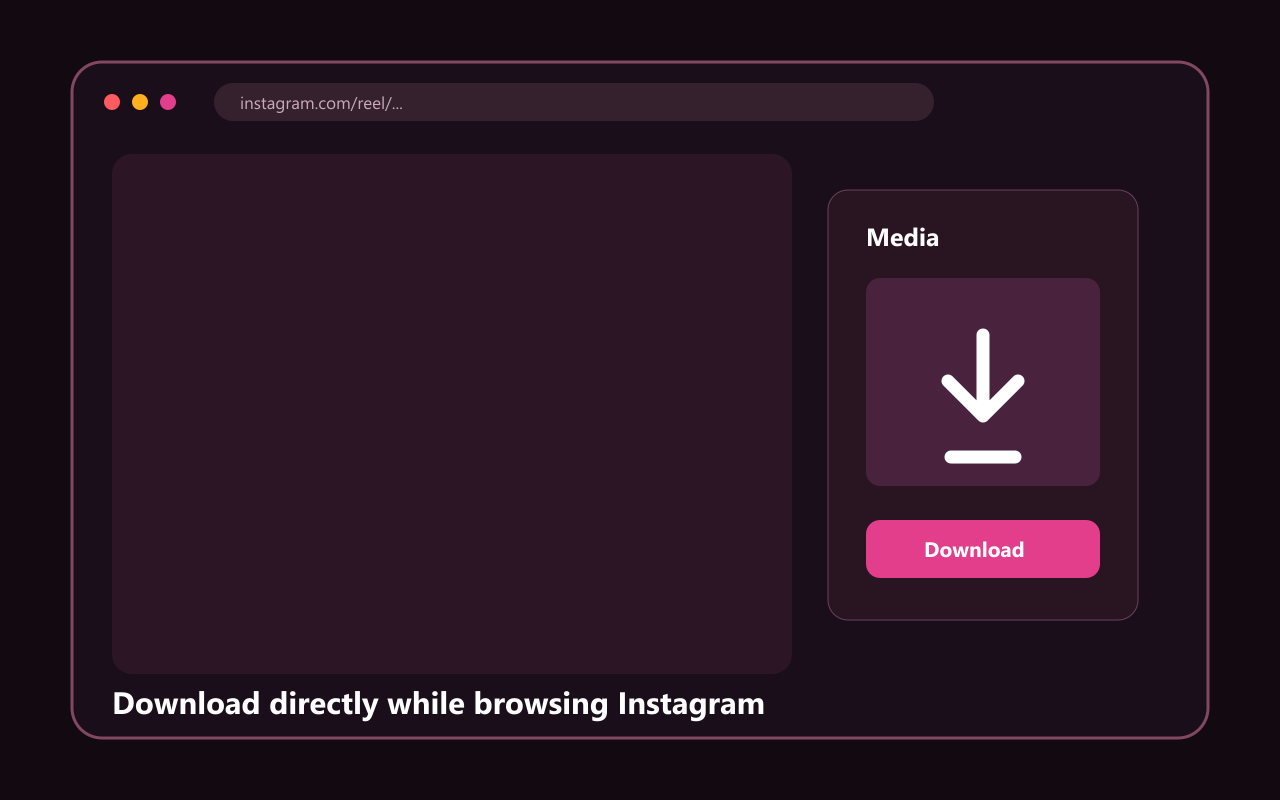
Reels Downloader controls displayed beside an Instagram post
Installation guide

How to install the extension in Chrome, Edge and Chromium

The download is an unpacked extension ZIP. Extract it first, then load the folder through your browser extension manager.

  1. 1

    Download and extract the ZIP

    Save the 33 KB package from this page, then extract it to a permanent folder. Do not select the ZIP itself in the extension manager.

  2. 2

    Open your extension manager

    Use chrome://extensions in Chrome or edge://extensions in Microsoft Edge, then switch on Developer mode.

  3. 3

    Load the extracted folder

    Choose Load unpacked, select the folder containing manifest.json, and pin Reels Downloader for quick access.

  4. 4

    Open Instagram and download

    Visit an Instagram Reel, post, Story or Highlight. Select Download on the page, preview the detected media, then save one item or a carousel ZIP.

Browser controls can change. Check the official extension documentation.

One extension for Instagram Reels, videos and photos

Reels Downloader adds a download control directly to Instagram on desktop. It detects the media attached to the page you are viewing, so you do not need to copy each link into another tab. For carousel posts, you can select several items and create one ZIP file in the browser.

The extension is designed for Chromium browsers and uses the current Instagram session in that browser. This also means content remains subject to Instagram access controls: a private post is available only when your signed-in account can already view it.

Local-first privacy and limited permissions

  • Runs only on https://www.instagram.com/*
  • Does not request access to your complete browsing history
  • Does not ask for an Instagram username or password
  • Creates multi-file ZIP downloads locally
  • Links to reelsdownloader.tools only when you choose the website or fallback option

Choose your browser installation guide

Use the dedicated Chrome guide for chrome://extensions instructions, or follow the Microsoft Edge guide for edge://extensions. Brave and most desktop Chromium browsers use the same Load unpacked workflow with a browser-specific extensions address.

Reels Downloader

Download Reels Downloader 1.0.0

Official ZIP hosted on reelsdownloader.tools through Cloudflare. Extract before loading it.

Before you install an Instagram downloader extension

The extension accesses only instagram.com to detect media on the open page.

Keep the extracted folder after installation so the browser can continue loading it.

Download only content you own or have permission to save.

Questions and answers

Chrome, Edge and Chromium FAQ

Is the Reels Downloader browser extension free?

Yes. Version 1.0.0 is free to download and use. Media detection and ZIP creation run locally in your browser, with no Reels Downloader account, subscription or upload to our servers.

Which Instagram content can the extension download?

It supports Reels, videos, photos, carousel posts, Stories and Highlights that your current Instagram account is allowed to view. Availability can change when Instagram updates its website or when a post is private, deleted or restricted.

Does the extension collect my Instagram password?

No. The extension never asks for or stores your Instagram password. It works inside instagram.com with the session already active in your browser, and its manifest limits site access to Instagram.

Can I download content from private accounts?

Only when your signed-in Instagram account already has permission to view that content. The extension does not bypass privacy controls. Download only media you own or have permission from the copyright holder to save.