Instagram downloads directly inside Microsoft Edge
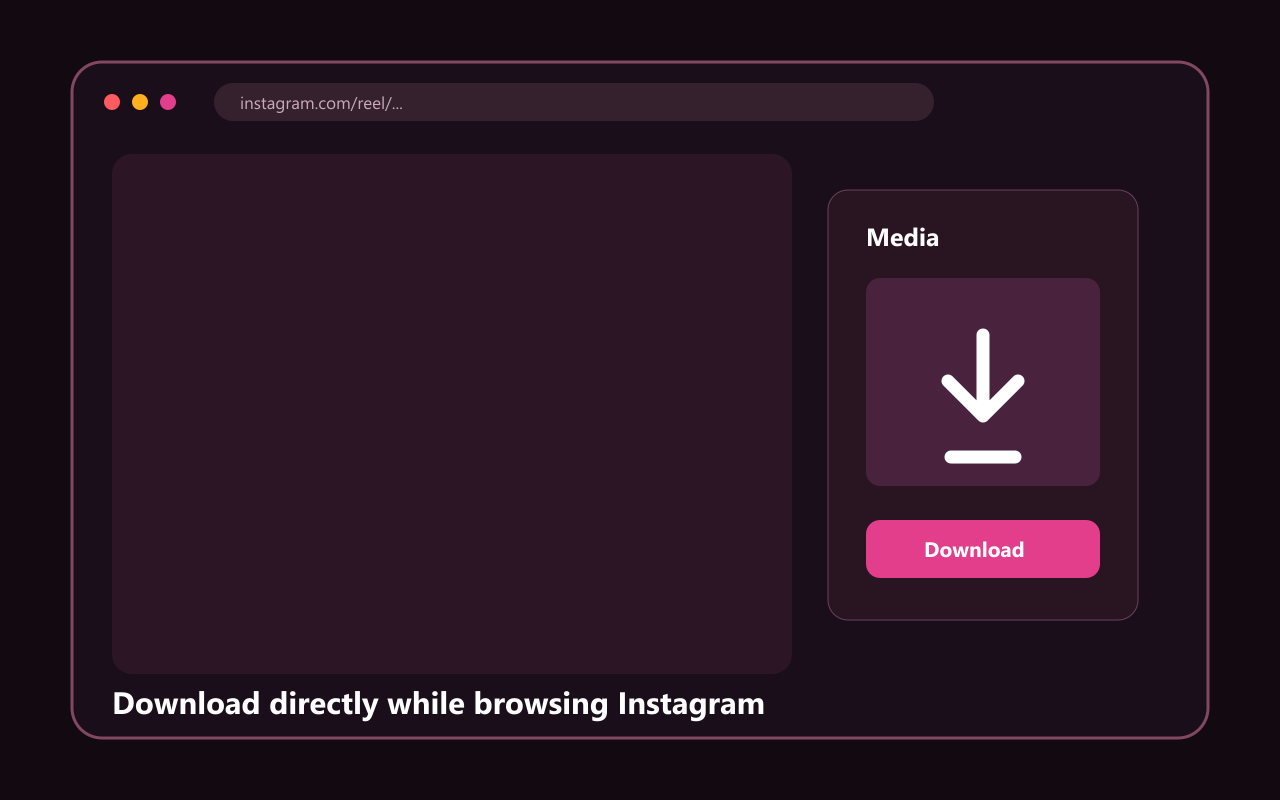
The Edge extension uses Instagram page data already available to your browser and presents downloadable media in a compact panel. Single items save directly, while selected carousel items can be bundled into a ZIP without uploading them to Reels Downloader servers.
Microsoft Edge is Chromium-based, so it can run the same Manifest V3 extension package as Chrome. The extension remains limited to instagram.com and does not need permission for every site you visit.
Edge installation checklist
- Use Microsoft Edge on Windows, macOS or Linux desktop
- Extract the downloaded ZIP before installation
- Enable Developer mode at edge://extensions
- Load the folder that directly contains manifest.json
- Refresh existing Instagram tabs after enabling the extension
Store version versus official ZIP
Until the Edge Add-ons listing is published, this page provides the official unpacked release ZIP. Microsoft documents both extension management and alternative distribution, but managed work or school devices may block manual extensions through organization policy.
If Load unpacked is unavailable, ask your device administrator or use the browser-based downloader on reelsdownloader.tools. Do not disable organization security settings to install the extension.