Instagram Downloader for PC and Mac
Download Reels, videos and photos on Windows or Mac in any browser - no software, no extensions.
No login. We never store your files or your links.
- No software
- Any browser
- Windows & Mac
- Free
How to download Instagram content on PC
-
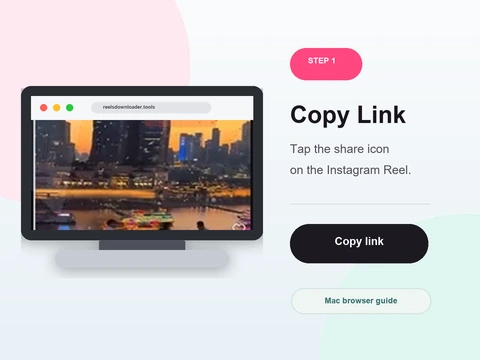 Step 1
Open any browser
Use Chrome, Firefox, Edge or Safari on your PC or Mac.
- Open Chrome, Firefox, Edge or Safari on your PC or Mac and go to Rells Downloader.
- No software or browser extension is required.
- The interface works identically across every desktop browser.
-
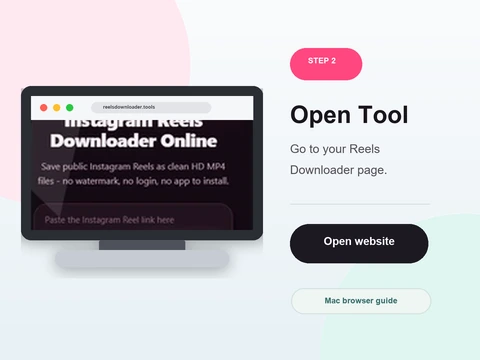 Step 2
Copy the Instagram link
Right-click the post on instagram.com and copy its link, or copy it from the app.
- On instagram.com, open the post and copy its link from the address bar, or copy it from the app.
- Paste it into the box above with Ctrl+V (Windows) or Cmd+V (Mac).
- Confirm the full post URL is in the field.
-
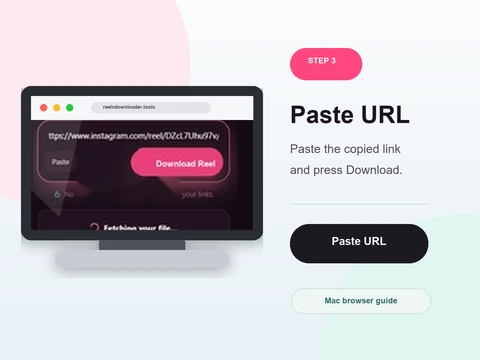 Step 3
Paste and click Download
Drop the link into the box and click Download.
- Click Download - the highest available quality is picked automatically.
- A preview appears with the exact resolution shown on the Save button.
- Click Save to download the clean HD file.
-
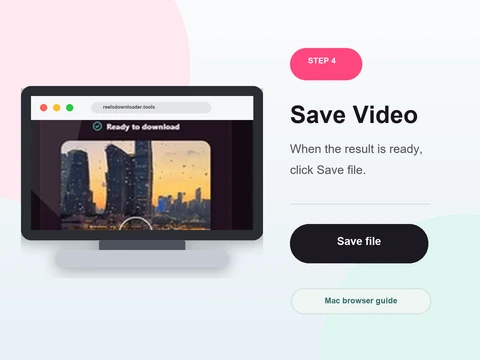 Step 4
Find it in Downloads
The file saves to your default Downloads folder like any other download.
- The file goes straight to your default Downloads folder, like any other download.
- You can also right-click a previewed image and choose Save image as.
- Everything works the same on Windows and macOS.
Full desktop experience
No software
Nothing to install - it all runs in your browser.
Any browser
Chrome, Firefox, Edge and Safari on Mac all work.
HD quality
Reels and videos download in full quality with no watermark.
No login
No account or password required.
On Windows
In Chrome or Edge, downloads save to your Downloads folder automatically. You can also right-click a previewed image and choose Save image as.
On Mac
Safari and Chrome on macOS both save files to the Downloads folder. Everything works identically to Windows - no extra setup needed.
PC & Mac downloader FAQ
Does Reels Downloader work on PC?
Yes. Open Reels Downloader in any browser on Windows or Mac and paste the Instagram link.
Do I need to install software?
No. Reels Downloader runs in your browser with no downloads or extensions required.
Which browsers work on PC?
Chrome, Firefox, Edge and Safari all work. Chrome is recommended.
Where do files save on PC?
Files save to your default Downloads folder, the same as any other file you download.
Does it work on Mac?
Yes. Safari and Chrome on Mac are both fully supported.
Is it free on desktop?
Yes, completely free with no limits.
Public content only
Reels Downloader works exclusively with public Instagram posts. We do not store your downloads, we do not save your links, and we are not affiliated with Instagram or Meta. You are responsible for respecting copyright and the platform rules for any content you download.